What Is Open Source Software (OSS)?
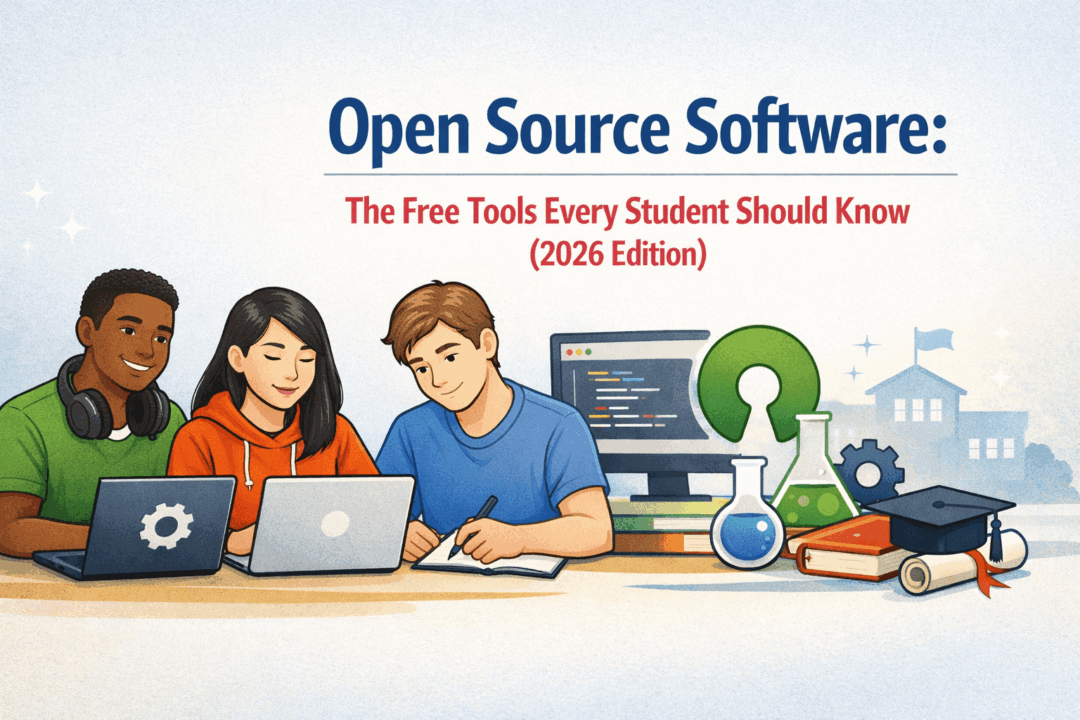
In simple terms, open source software is software that’s free to use, free to share, and free to improve. Anyone can look at its “recipe” (the source code), suggest changes, or even build their own version.
Think of it like a community cookbook: everyone can add recipes, remix them, and share their best version. Unlike apps locked behind paywalls, OSS grows stronger because students, teachers, and professionals worldwide work together to make it better.
👉 Examples you probably know:
-
Google Docs & Google Sheets (collaborative, web-based tools)
-
LibreOffice (a free alternative to Microsoft Office)
-
GIMP (like Photoshop, but free)
-
Audacity (record, edit, and remix audio)
-
Moodle (used in schools for online learning)
📖 Fun fact: Even huge companies like Microsoft, Netflix, and Tesla use open source software to power their systems.
Why Should Students Care About OSS? 🎓
-
💸 Save Money
Software like Microsoft Office or Adobe Photoshop can cost hundreds of dollars a year. Open source tools often do the same job for free. -
🌍 Collaboration-Friendly
Since anyone can use them, they’re perfect for group projects and study groups. No “Sorry, I don’t have that program installed” excuses. -
🚀 Future-Proof Skills
Employers love students who can adapt and use industry-standard OSS tools. Knowing GitHub, Python, or Linux? That’s résumé gold. -
🔒 Transparency & Security
Because the “recipe” is open, security experts can spot bugs faster than in closed software. Safer for your data.
Google Docs vs. Microsoft Word: Is Google Docs Enough for College? 📝
-
Google Docs → Great for collaboration (multiple people editing at once), automatic saving in the cloud, easy sharing via link. Perfect for essays, reports, and even resumes.
-
Microsoft Word → More advanced formatting, offline power, and still required in some courses. Professors sometimes ask for
.docxsubmissions.
📊 Reality Check (based on EDU surveys, 2024):
-
70% of college students use Google Docs for group projects.
-
65% still need Microsoft Word at least once a semester for specific formatting.
Verdict: Google Docs is “good enough” for most assignments, but keeping Word (through your school’s free Office 365 subscription) is a smart backup.
Excel vs. Google Sheets: Which One Wins for Students? 📈
-
Google Sheets → Best for collaboration, quick charts, budget tracking, or lightweight data work.
-
Microsoft Excel → The powerhouse. It has advanced formulas, pivot tables, macros, and data analysis features you’ll need in business, science, and engineering.
📊 Data Snapshot (TechRadar 2024, EDU edition):
-
Google Sheets is used in 90% of group projects.
-
Excel dominates in STEM majors and business schools because of its heavy-duty features.
Verdict: Start with Google Sheets (easy, free, collaborative). If you’re going into STEM, economics, or business, learn Excel too. Many schools provide it free via Office 365.
Top Free OSS Tools for Students (Class of 2026 💻)
-
LibreOffice – Free Word, Excel, and PowerPoint alternative.
-
Notion (free student version) – The ultimate planner for notes, assignments, and deadlines.
-
Overleaf – Perfect for math, science, and research papers with LaTeX.
-
GIMP & Krita – Free art and design tools for creatives.
-
Audacity – Free audio recording and editing.
-
R & Python – Free programming languages for data science and research.
Resources 📚
-
The Open Source Initiative – Official hub for OSS definitions and projects.
-
LibreOffice Download – Free Office suite.
-
Google Workspace for Education – Free with most school accounts.
-
Microsoft Office 365 for Students – Many schools provide free access.
-
GitHub Student Pack – Free developer tools for students.
🎉 Final Takeaway
Open source software is like the secret scholarship of tech—free, powerful, and designed for collaboration. Whether you’re writing essays, crunching numbers, making music, or coding the next big app, there’s an OSS tool waiting for you.
Pro Tip for the Class of 2026: Master both Google Docs/Sheets (for teamwork) and Microsoft Office (for professional polish). You’ll save money 💰, boost your skills 🚀, and be ready for both college and career.